
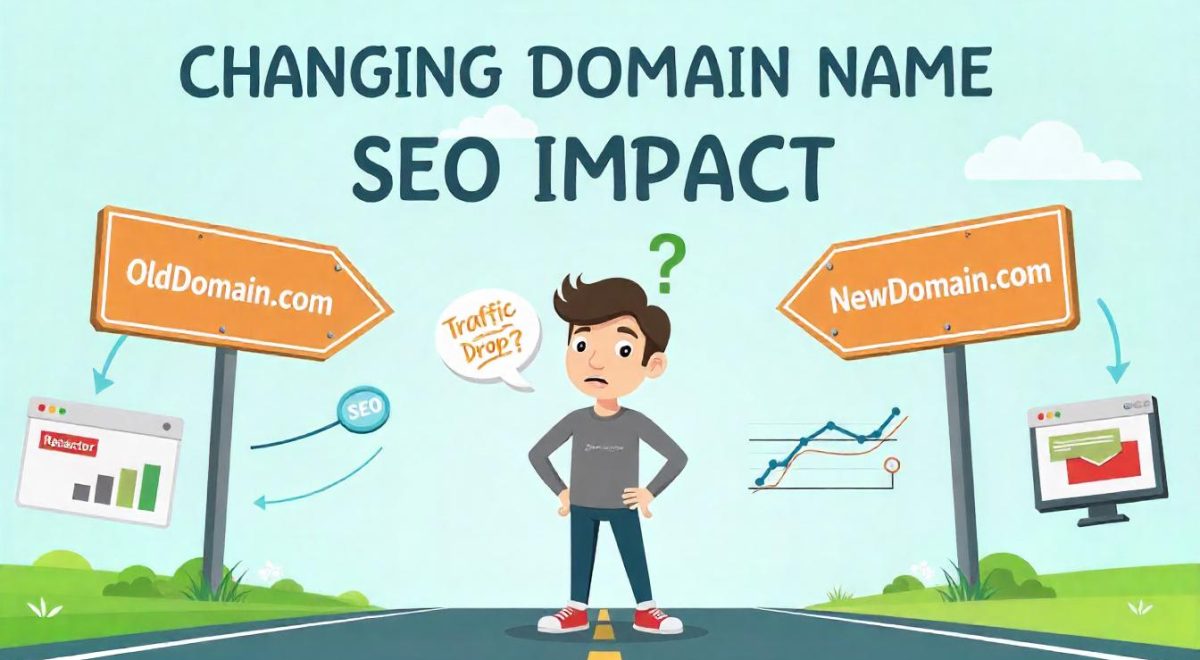
When you start a website, choosing the right domain name is a big deal. But what if you want to change it later? Many people think changing domain names will destroy their SEO and traffic. But the truth is, it won’t hurt your traffic if you do it the right way.
Let’s walk through everything you need to know about changing your domain name and keeping your Google rankings safe.
What Is a Domain Name?
A domain name is your website’s address. It’s what people type in the browser to find your site, like example.com. Just like your home address, it helps people find where you live—on the internet.
Why Do People Change Their Domain Name?
People change domain names for many reasons. Here are a few:
- You want a shorter or catchier name
- Your business changed names (rebranding)
- You found a better domain that matches your service
- You started with a free domain and want a professional one
No matter the reason, you must be careful. Changing your domain name the wrong way can lead to traffic loss and confusion for both users and search engines.
What Happens When You Change Your Domain Name?
Changing your domain is like moving to a new house. If you don’t tell people where you’ve gone, they won’t be able to find you.
Here’s what usually happens:
- Google needs time to learn your new name. It’s not instant.
- Your website may drop in search results for a little while.
- Old links might break if you don’t redirect them.
This is why it’s important to plan your domain change the right way.
Changing Domain Name: SEO Impacts
Many people ask, “What will happen to my Google rankings if I change my domain?” The truth is, changing domain names impacts SEO and it can be good or bad. It depends on how well you handle the move.
Let’s look at what really happens:
- Search engines need time to trust your new domain. When you change your domain, Google has to recheck your entire site. This takes time.
- Your rankings may drop for a short while. This is normal. Your website might lose some traffic in the beginning, but if you follow the right steps (like setting up 301 redirects), you can bounce back quickly.
- Old backlinks might lose value. If your backlinks point to the old domain and you don’t redirect them properly, they won’t help your SEO anymore. This is why setting up redirects is so important.
The good news is, these problems don’t last forever. Google is smart. If you give it clear signals that you’ve moved, it will pass most of your SEO value to your new domain.
In short, changing your domain will impact SEO negatively only if you skip the important steps. If you follow the guide we’ve shared, your rankings and traffic will return over time.
Even better, some websites actually gain traffic after a domain change, especially if the new domain is more professional, shorter, or has better keywords in it.
So yes, impacts of changing your domain name will be visible right away to your site — but with the right planning, the effects can be small, temporary, or even positive.
Pros and Cons of Changing Domain Name
| Pros | Cons |
| Pick a better, shorter domain | May lose traffic for a short time |
| Great for rebranding or fresh start | Google takes time to trust new domain |
| Sounds more professional | Some backlinks might stop working |
| Better for online marketing | Must update all old links across platforms |
How to Change Domain Name Without Losing SEO or Traffic
If you follow the right steps, changing domain name doesn’t have to hurt your website. Here’s how to do it safely:
Step 1: Pick a Good New Domain
Choose a name that is:
- Short and easy to remember
- Clear and simple to spell
- Free of hyphens or numbers
- A .com if possible (people trust it more)
If you’re not sure where to start, companies like Host Anytime offer expert advice to help you choose the best domain for your business hosting or personal blog.
Step 2: Set Up 301 Redirects
This is the most important part.
A 301 redirect tells search engines, “We’ve moved!” It passes most of the SEO power from your old domain to your new one.
Make sure every old URL points to the correct new URL. For example:
oldsite.com/about ➜ newsite.com/about
If you skip this, users and search engines will land on broken pages. That’s bad for SEO.
Step 3: Tell Google About the Change
Go to Google Search Console, verify both your old and new domain, and use the Change of Address Tool. This helps Google track your new site and update it in search results.
This is a key step in avoiding the negative SEO effects of domain name change.
Step 4: Update All Your Links
You need to update links in many places:
- Inside your website (menus, footers, buttons)
- Your social media profiles
- Email signatures
- Online directories
- Anywhere else your old domain was shared
This helps users land on the right pages and tells Google your new site is active.
Step 5: Monitor Everything
Once the switch is done, keep an eye on your site’s performance.
- Use Google Analytics to track your visitors
- Check Google Search Console for crawl errors
- Fix any broken pages or redirect issues
If traffic drops, don’t panic. It’s normal for search rankings to move a bit during a domain change. With good redirects and clean setup, your traffic will come back.
Bonus Tips
- Don’t change domains during high-traffic seasons or promotions
- Avoid changing website design at the same time—it makes it harder to track issues
- Make a checklist before you start. This way, you won’t miss any important step
How Host Anytime Can Help
Host Anytime is one of the most trusted names in business hosting and web hosting. If you’re planning on changing your domain name, their support team can help you transfer smoothly.
Why choose Host Anytime?
- Affordable domain transfer support
- Easy tools for setting up 301 redirects
- Built-in SEO tools with every hosting plan
- Fast customer service to guide you through each step
Whether you’re running a blog or a full online store, Host Anytime is like having a big tech-savvy brother who’s always got your back.
FAQ
Q: Will my SEO go away if I change my domain name?
A: Yes, changing domain name impacts SEO but not if you set up redirects and tell Google. Your SEO might dip for a short time, but it will bounce back.
Q: How long does it take for Google to trust my new domain?
A: Usually between 2 weeks and 3 months. Be patient and check your stats often.
Q: Can I go back to my old domain if things go wrong?
A: Yes, but it’s not recommended. It’s better to plan well and stick with your new name.
Q: Do I need a developer to change my domain?
A: Not always. With hosting services like Host Anytime, you can follow simple steps to switch and redirect without advanced coding.
Q: What is the SEO impact of changing domain name?
A: If done right, the impact is small and temporary. Use 301 redirects and Google tools to keep your rankings safe.
Final Thoughts
Changing your domain name might seem intimidating at first, but with careful planning, you can make the switch without losing traffic or SEO rankings. The key is to take the right steps—set up proper 301 redirects, update all internal and external links, and notify Google Search Console about your domain change. These actions ensure that your visitors and search engines know where to find your new site.
Whether you’re rebranding, scaling up, or simply picking a name that fits better, a domain change can actually be a great opportunity for growth. With the right support, it doesn’t have to be complicated or expensive.
That’s where services like Host Anytime come in. They offer user-friendly tools and expert guidance to make your domain transfer smooth and stress-free. Their solutions are especially helpful for small businesses, bloggers, and personal site owners who want a fresh start without technical headaches.
By following the tips in this guide and choosing a reliable hosting partner, you’ll be able to turn your domain name change into a smart, strategic move. Think of it not as a loss, but as a chance to grow your brand, improve your site, and reach new audiences with a stronger identity.

